NailDraft vs YouCam Nails
YouCam puts polish on your hand. NailDraft generates entire salon-quality designs from a prompt - shape, length, finish, art, all controllable.
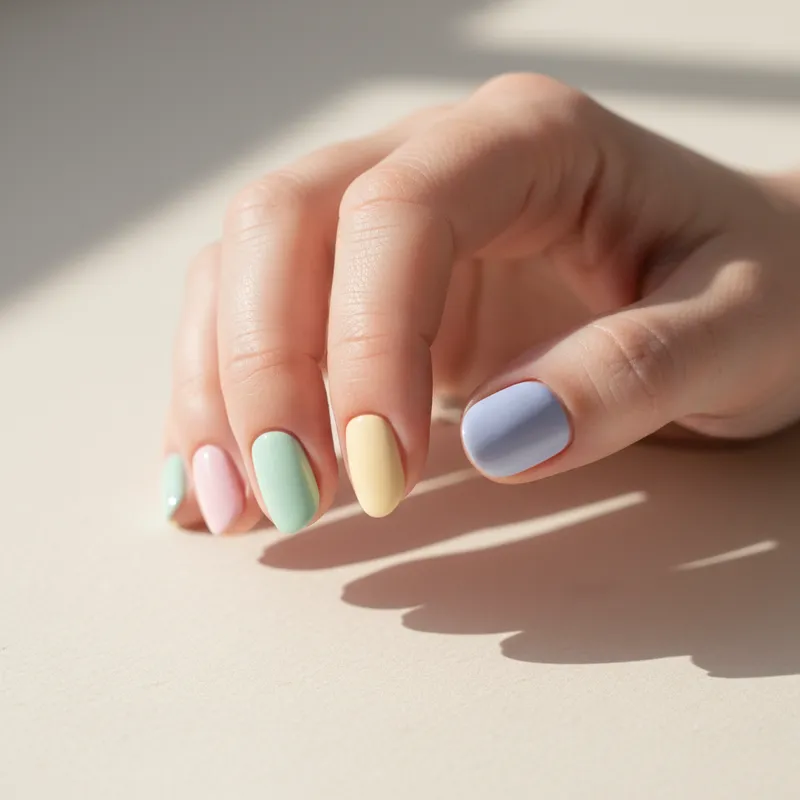
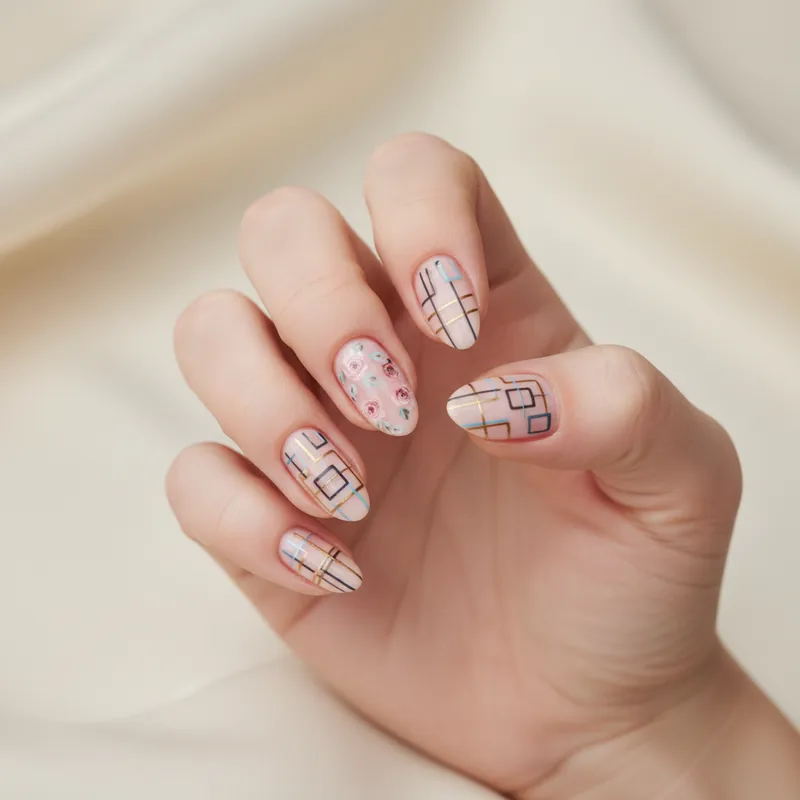
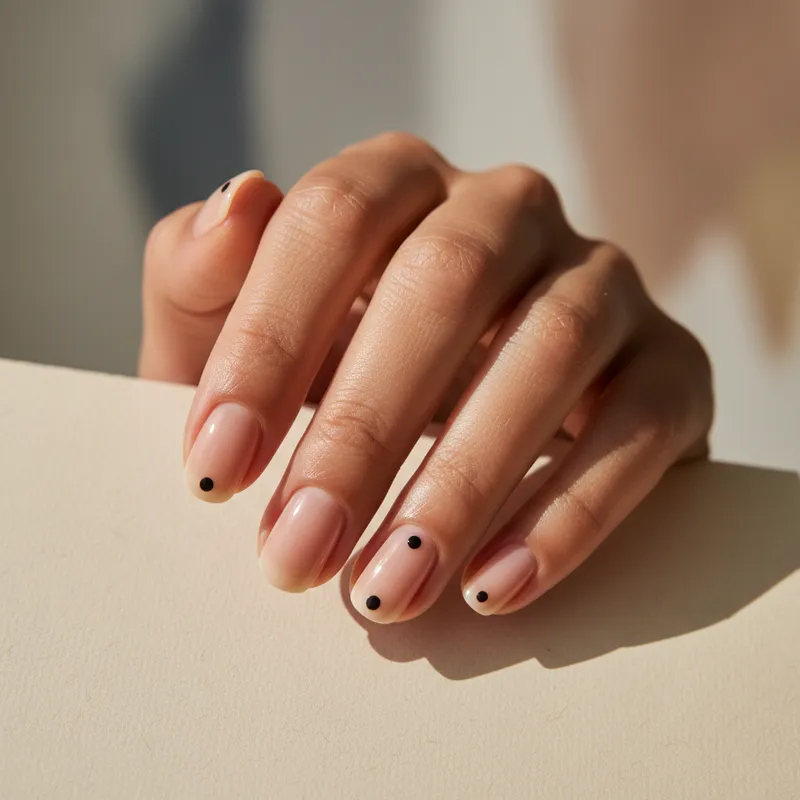
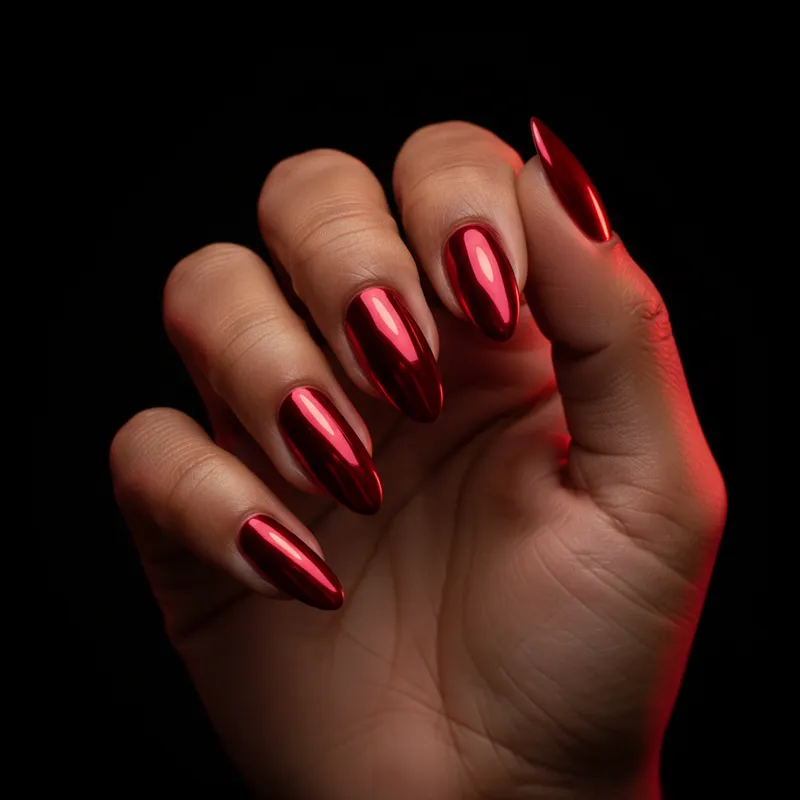
YouCam Nails is built for one job - virtual try-on of nail polish colors via your phone camera. NailDraft is built for a different one: generating new nail design ideas from scratch. If you already know the color and just want to see it on your hand, YouCam works. If you're still designing the set - shape, length, finish, art - NailDraft renders photoreal options from a single prompt.
NailDraft vs YouCam Nails
Designing a new set before booking or DIY-ing.
Trying polish colors you already own on your real hand.
See it before you commit
Open NailDraft, type a prompt, and get a photoreal preview in under a minute. 3 free designs on signup, no card required.
Open the editorFrequently asked
Is NailDraft a replacement for YouCam Nails?
For design generation, yes - NailDraft creates fresh photoreal designs from prompts. For polish-on-hand AR try-on with a live camera, YouCam is still purpose-built for that and we don't do AR.
Can NailDraft show a polish color on my real hand?
No. NailDraft renders a photoreal sample hand with the design you described. We don't use your camera or upload your photos.
Which one is free?
Both have free tiers. NailDraft gives 3 free designs on signup so you can try the generator before deciding to upgrade.